Steps to Sync Rentvine
There are two ways you can start your sync with Rentvine for your Utility Profit platform.
When you first set up your account during onboarding you'll be prompted to integrate your software.
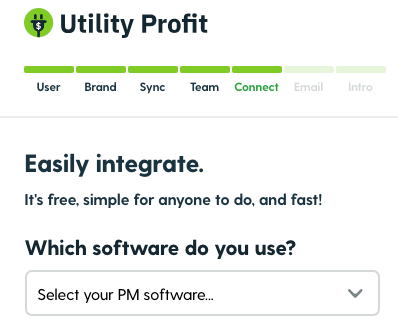
If you decide not to sync during onboarding you can still choose to do so once your platform is activated.
You'll see this notification above the Utility Activations dashboard if syncing is not set up.

Click "Activate Sync" and select Rentvine from the drop down menu.
Below we will discuss the steps to sync with Rentvine.
Enable syncing (2 minutes)
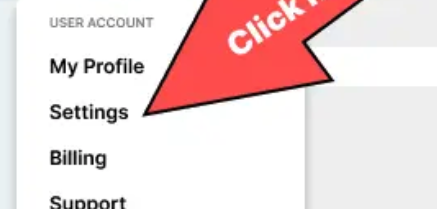
Log into Rentvine. On the top right of the page, hover your profile and click “Settings.”
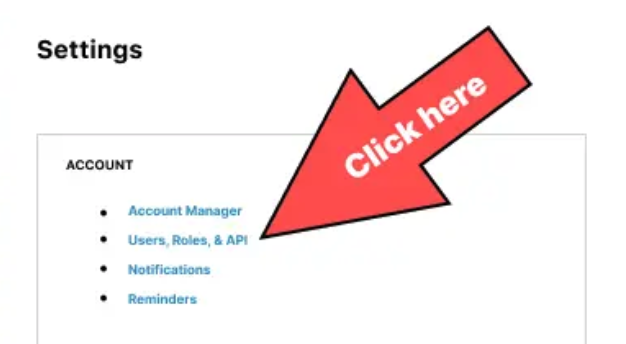
One of the first links on the left side, click “Users, Roles, & API.”
Navigate to the API tab.
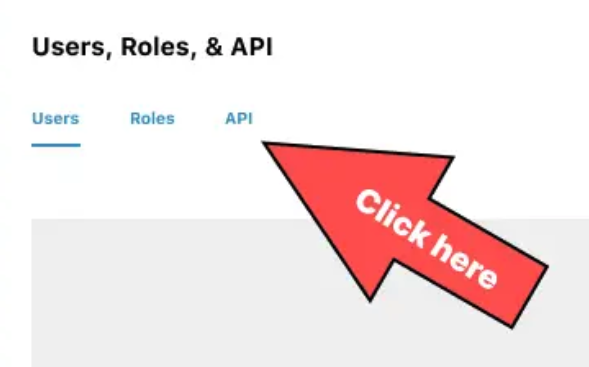
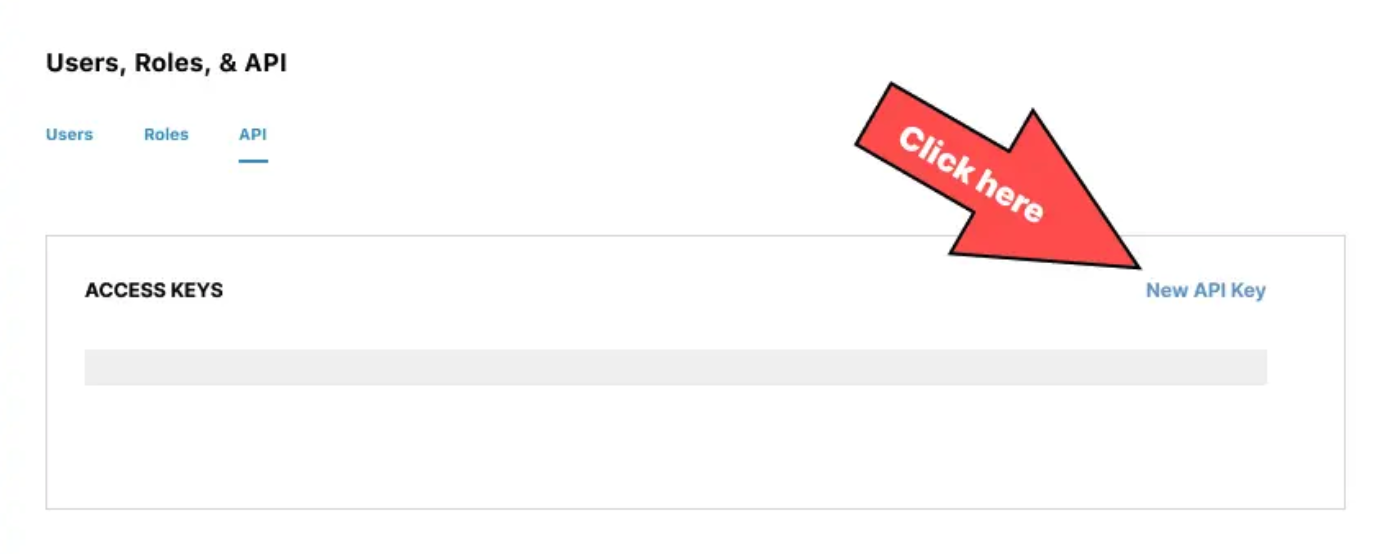
On the right, click the “New API Key” link.
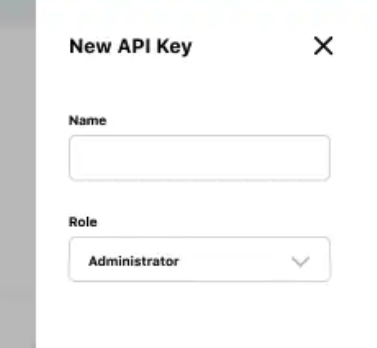
Name it whatever you want. Give it the role “Administrator” and click save.
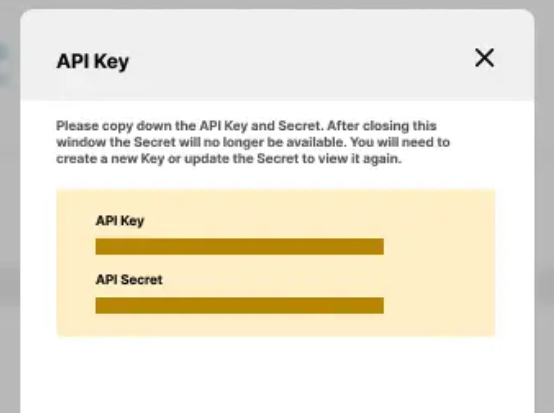
Copy both your API Key and API Secret and paste it back into Utility Profit.
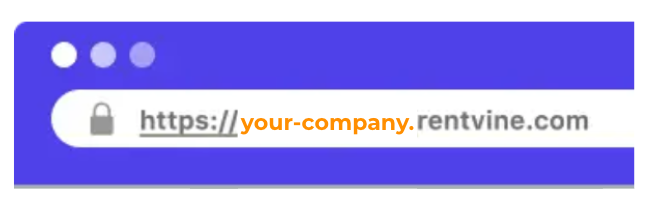
Copy the full URL of your Rentvine tab. Paste it back into Utility Profit. It should look something like https://your-company.rentvine.com
That’s it, you’re done!! 🎉