Syncing Listings from your Vacancies Webpage
Welcome to Utility Profit! Whether you're new to the platform or just setting things up, we've got you covered. In this guide, we'll walk you through syncing your listings to Utility Profit using your vacancies webpage. Don’t have a vacancies webpage? No problem—we’ll also cover alternative options to ensure your listings are added to your platform seamlessly.
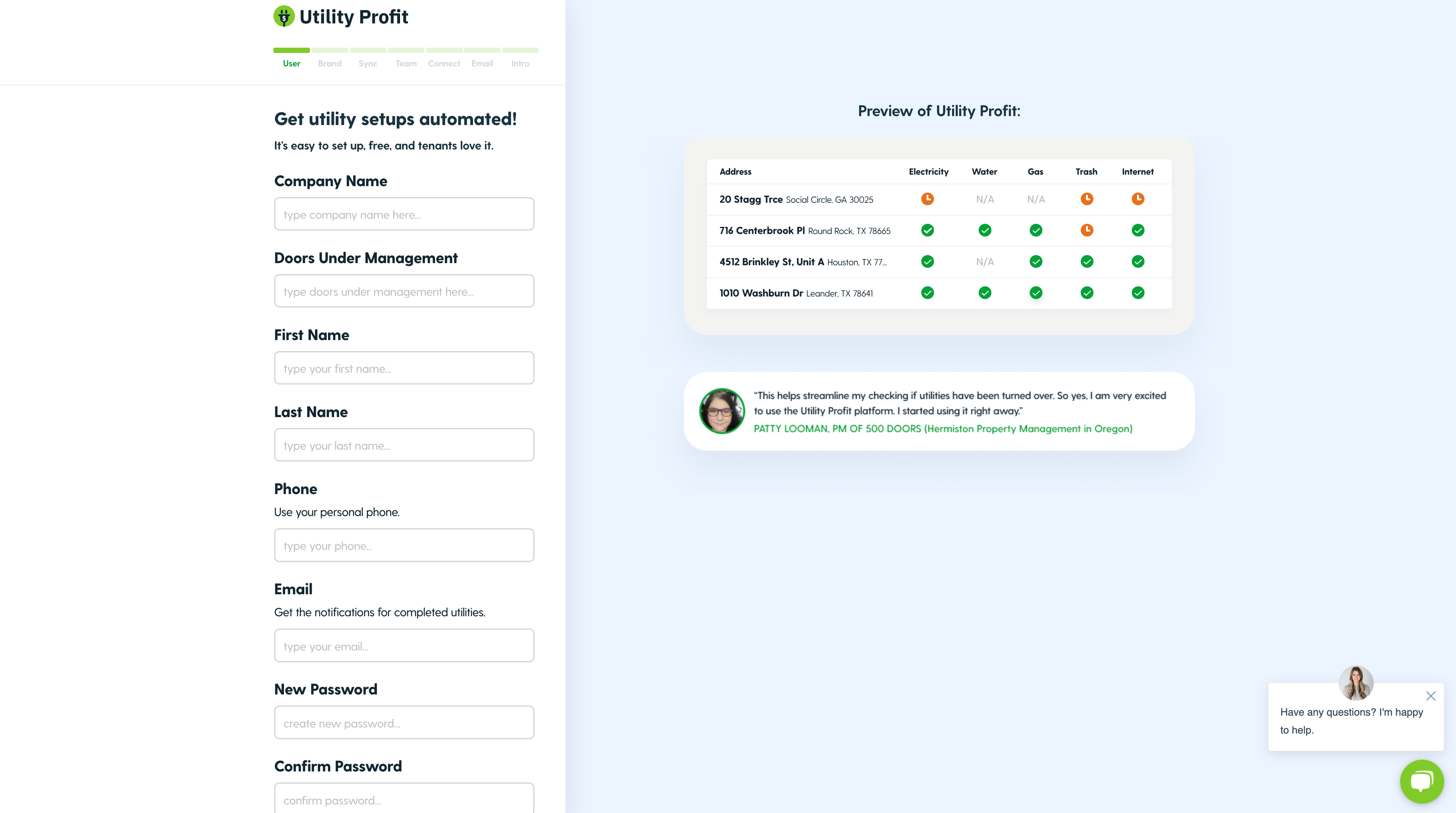
Step 1: Add your Team's Info to your Utility Profit Account
Fill out the required information for your team and then press "Continue".
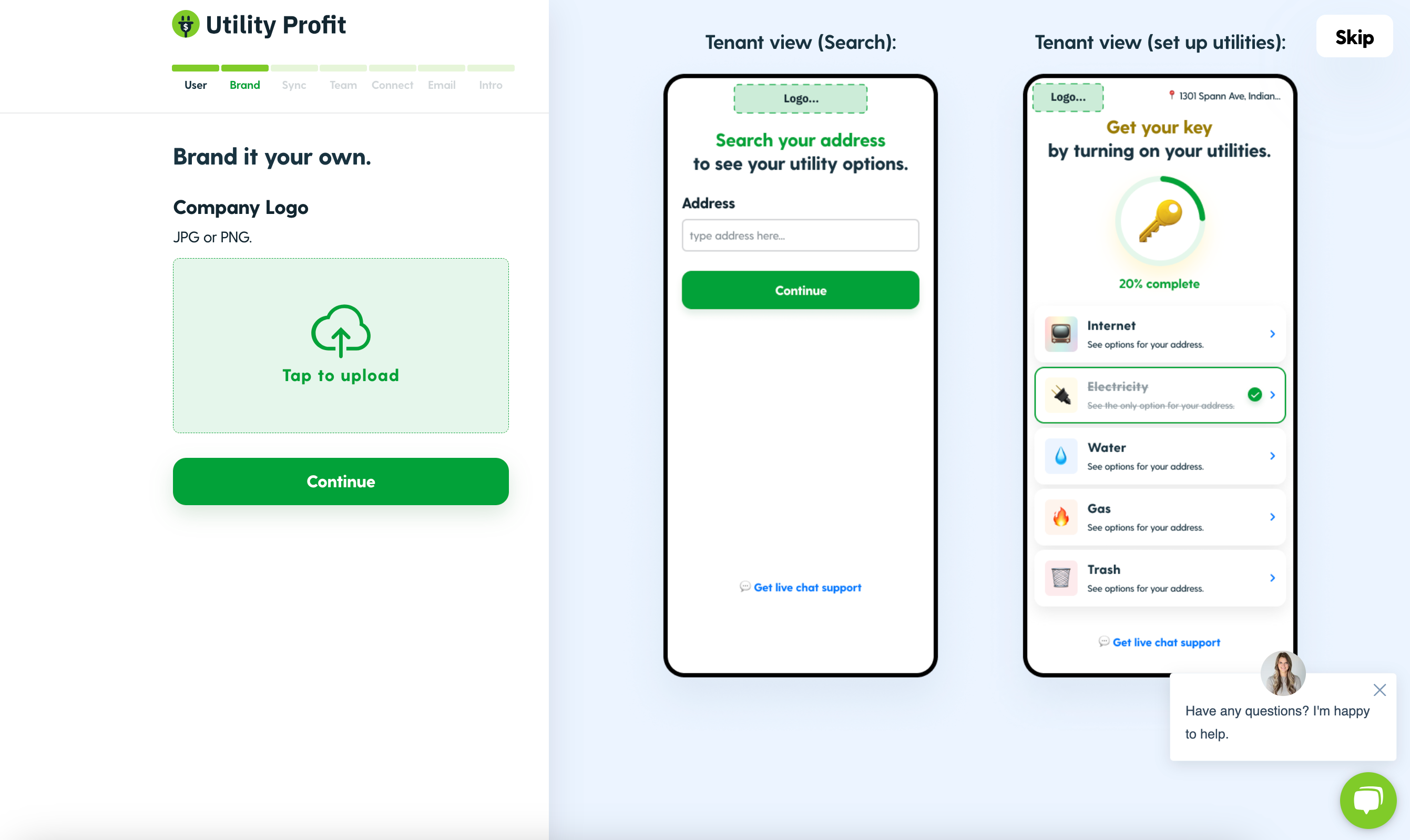
Step 2: Brand your Utility Profit Platform 🏷️
Upload your team's logo.
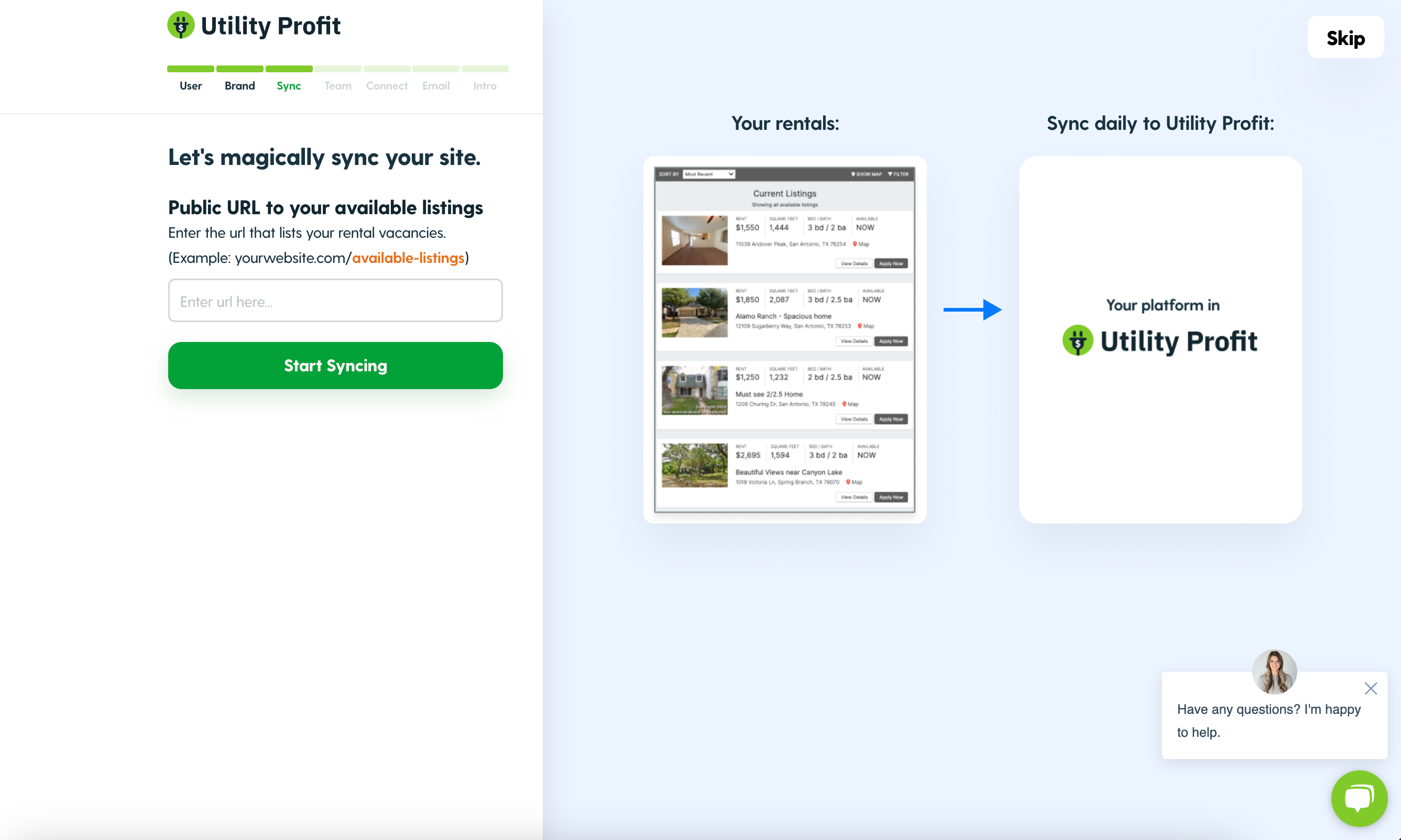
Step 3: Magically Sync your Site ✨
To sync your listings, start by navigating to the website where your team's vacant listings are displayed. Copy the URL for that page and paste it into the designated field on the Utility Profit platform.
What's next? Finish Activating your Platform!
Take a look at our other helpful articles to finish activating your platform:
Update your email templates and more!
Common Questions
What if my team does not have a vacancy website?
Reach out to our team via our easily accessibly chat if your team does not have a vacancy webpage you can link to your platform. We can assist you with alternate solutions to have your addresses added to your site.
My vacancy page is not syncing what do I do?
If your vacancies page is not syncing check:
Our site accepts most website URL's but, typically your webpage will look something like this, "https://www.yourwebsite.com/available-listings". If it doesn't check that you have the fullI URL.
Check the formatting of the listings on your website. The listing should include the full address on your vacancy page.
Reach out to us here for more assistance.