
How to Delete Team Members
Edited
We understand changes to our team happen, so we gave you a way to manage the team members that are on your platform. This article will run through how to delete team members from your account.
To read more about adding a team member check out this article.
Step 1: Login and Navigate to your Settings Page
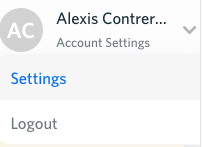
Navigate to utilityprofit.com, and login. Once you are logged in, hover over your name in the top right section of the page then click on "Settings".
Step 2: Click into Team Member Settings
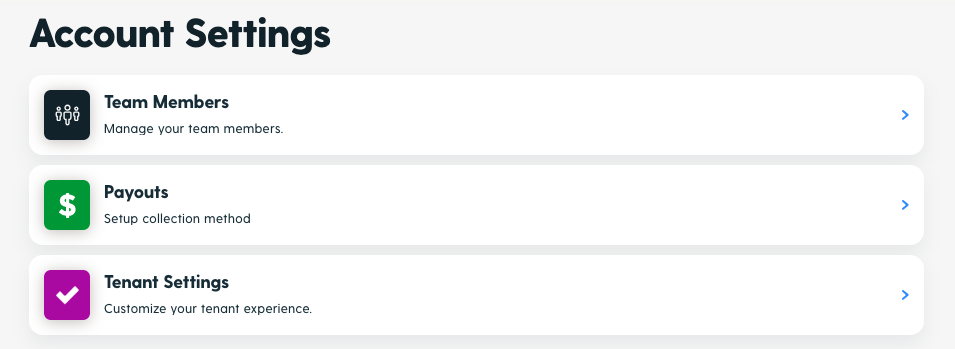
From your Settings menu, click on "Team Member Settings".
Step 3: Click Edit and then click Delete User
You'll see a list of all your team members. Click "Edit" on the specific team member's account you'd like to delete, then click "Delete User".
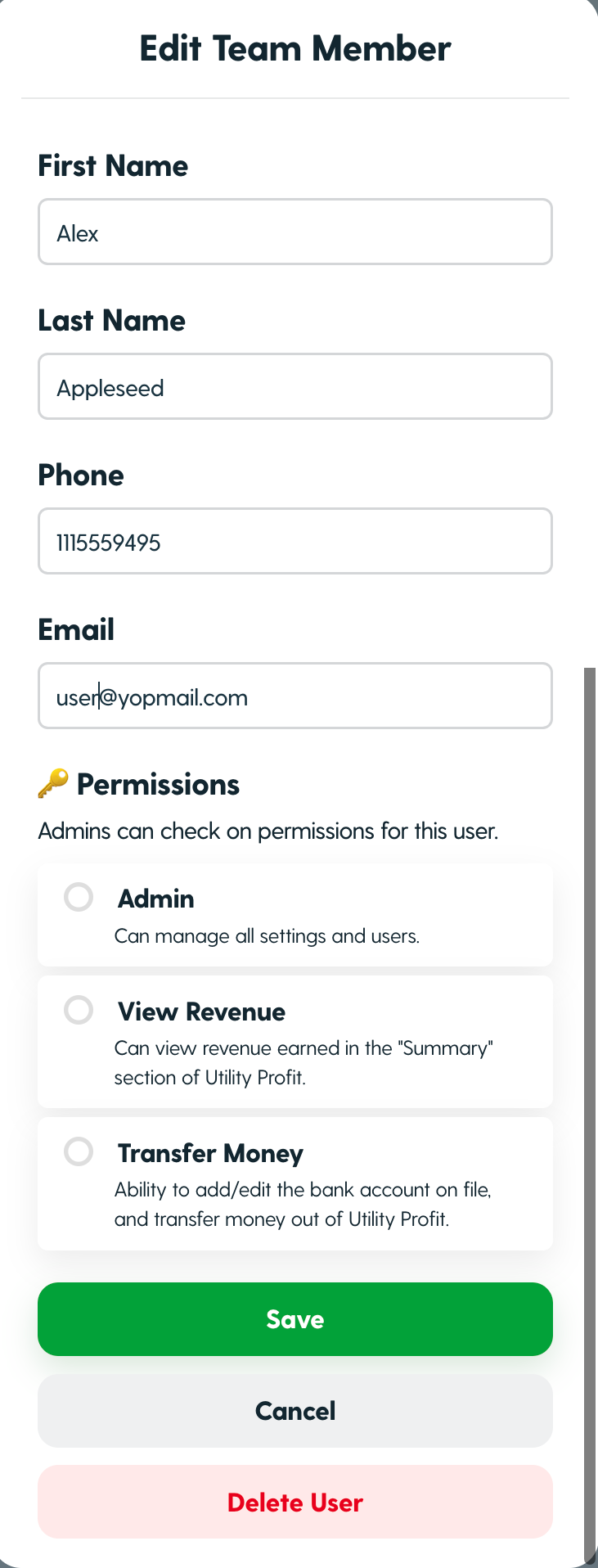
The team member will then be removed from your platform. Easy-peasy!
Need assistance? Reach out to our team here with any questions.
Was this article helpful?
Sorry about that! Care to tell us more?